15 New Languages and a Photo Gallery for Every Chat
This past stretch was less about big new features and more about reach: making the app feel like it was built in your language, and giving you better ways to look back over everything you and your companion have shared.
The app now speaks your language
We have wanted to do this for a long time. Until now you could be texting your companion in Thai or Bahasa Melayu while every button, menu and settings label around you stayed stubbornly in English. If you have ever done that, you know how odd it feels, like the app was only half listening.
That gap is mostly closed. We have translated the interface into fifteen more languages: Japanese, Korean, Thai, Vietnamese, Bahasa Melayu, Bahasa Indonesia, Hindi, Russian, Ukrainian, German, Italian, Brazilian and European Portuguese, and both Simplified and Traditional Chinese. We also finished off Spanish, which had been sitting half done. You choose your language when you sign up, and can switch anytime from settings, so someone opening Embraces in Jakarta or São Paulo can have the whole app in their own language from the first screen.
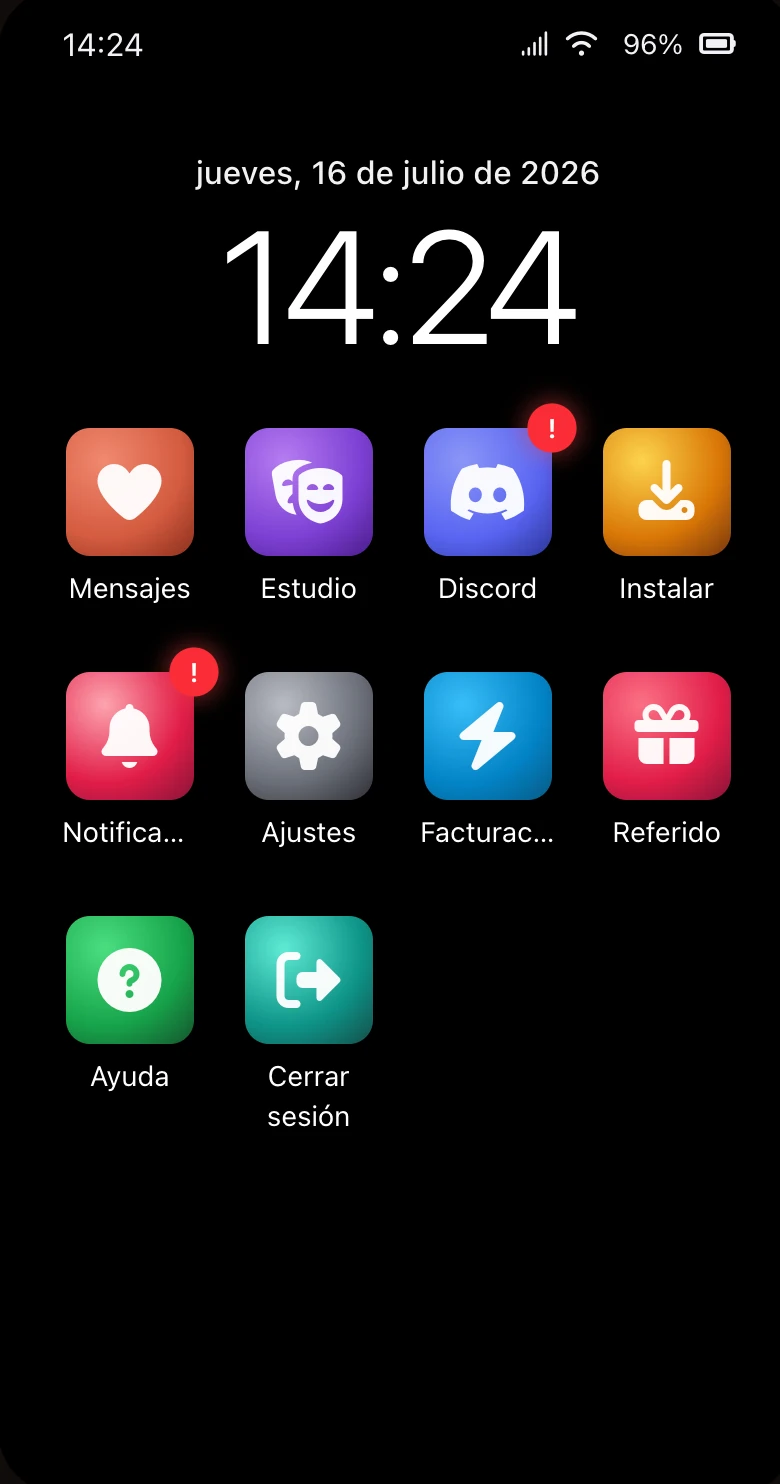
One thing to be honest about: this is the interface, the buttons and labels and menus, not your companion. Your companion already speaks whatever language you text them in. And getting the register right across fifteen languages by machine is hard, so if something reads stiffly or a plural looks wrong in your language, tell us and we will fix it. Getting Malay and Indonesian to stop pretending they have plurals they do not was its own small battle.
A gallery for everything you have shared
Open any companion's profile and you will see a Photos tile under their portrait. Tap it and you get every image the two of you have built up: the selfies they have sent, the wefies you have taken together, all of it, grouped by month with the newest first. That first coffee-shop photo from weeks ago, the two of you at a hawker centre on a rainy night, last night's matching pyjamas, all in one place. Tap any photo to open it full screen and swipe through the rest.
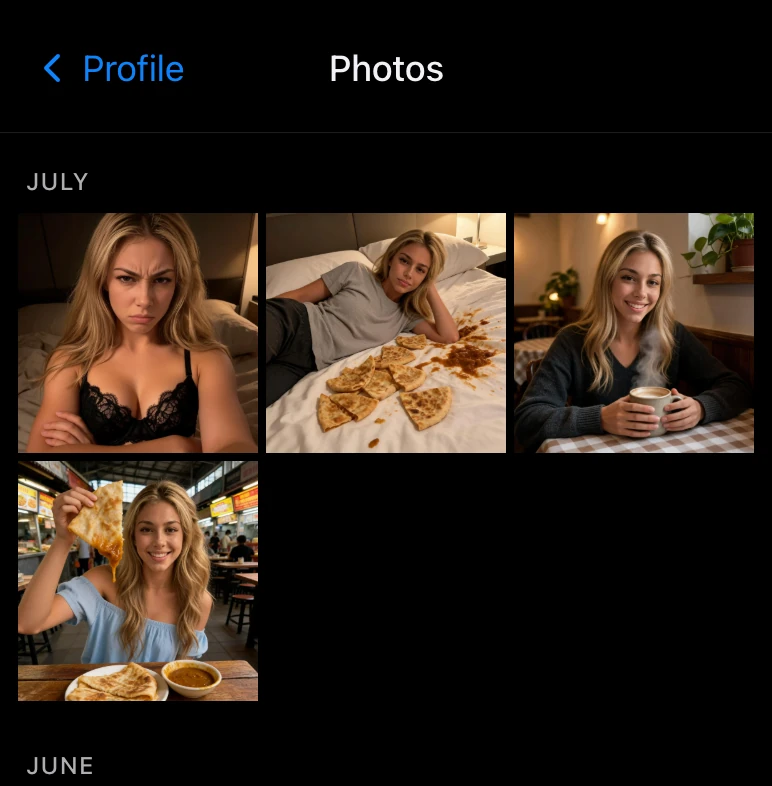
We also moved Memories up to sit right next to Photos as a matching tile. The two places you go to look back on a companion now sit together as a pair. Memories used to be a full-width row buried near the bottom of the profile; now it is right where you would expect it.
Knowing which day you are looking at
Scroll up far enough through a long conversation and the days start to blur. Was that from yesterday, or from last March? There is now a small date pill that fades in at the top while you scroll and tells you which day you are reading, then quietly fades out when you stop. It stays out of the way while you are down at the latest messages, so it only turns up when you need it.
A place to get help
For longer than we would like, the only route to a human was a "tell us on Discord" line tucked inside an error message. There is now a proper Help tile on the home screen. It answers the questions we get asked most, how the free daily messages work, how to install the app, the NSFW question, and a handful of others, and for anything we did not cover it points you at Discord and support@embraces.ai. Writing it also made us notice that our own marketing pages disagree with each other about how the free messages work, so for now the Help page is the most accurate description we have. We owe the site a tidy-up.
A couple of smaller things
Two fixes worth a line. New accounts used to walk through two separate tutorials back to back, with two Skip buttons and two "done" taps; that is now a single tour that ends once. And if you already had a plan change scheduled, the billing page would still let you request it again and ask you a second time why you were leaving. We saw people doing exactly that in the data, so we stopped asking twice for a decision you had already made.
What's next
More of the same, honestly. We want the machine-translated copy checked by people who speak these languages natively, and we want to reconcile the free-message wording across the site now that the Help page has shown us where it drifts.
As always, the fastest way to shape any of this is to tell us. If a translation reads wrong, if the gallery misses a photo, we want to hear it. Come find us on Discord or Reddit, and drop your username when you do so we can thank you properly.